All digital products are the most recent version at the time of purchase, with no possibility of free updates beyond the initial purchase.
After payment, we will upload the product file within 24 to 48 hours.
We provide free support for 7 days after your purchase.
If you have any questions, please contact us by email contact@plugcode.in or create a ticket on this page.
After the purchase is confirmed, download links will be accessible for 7 days.
Please note that all digital products presented on PlugCode are 100% original files. You will receive the original files from the developers.
The response time can take up to 6 hours.
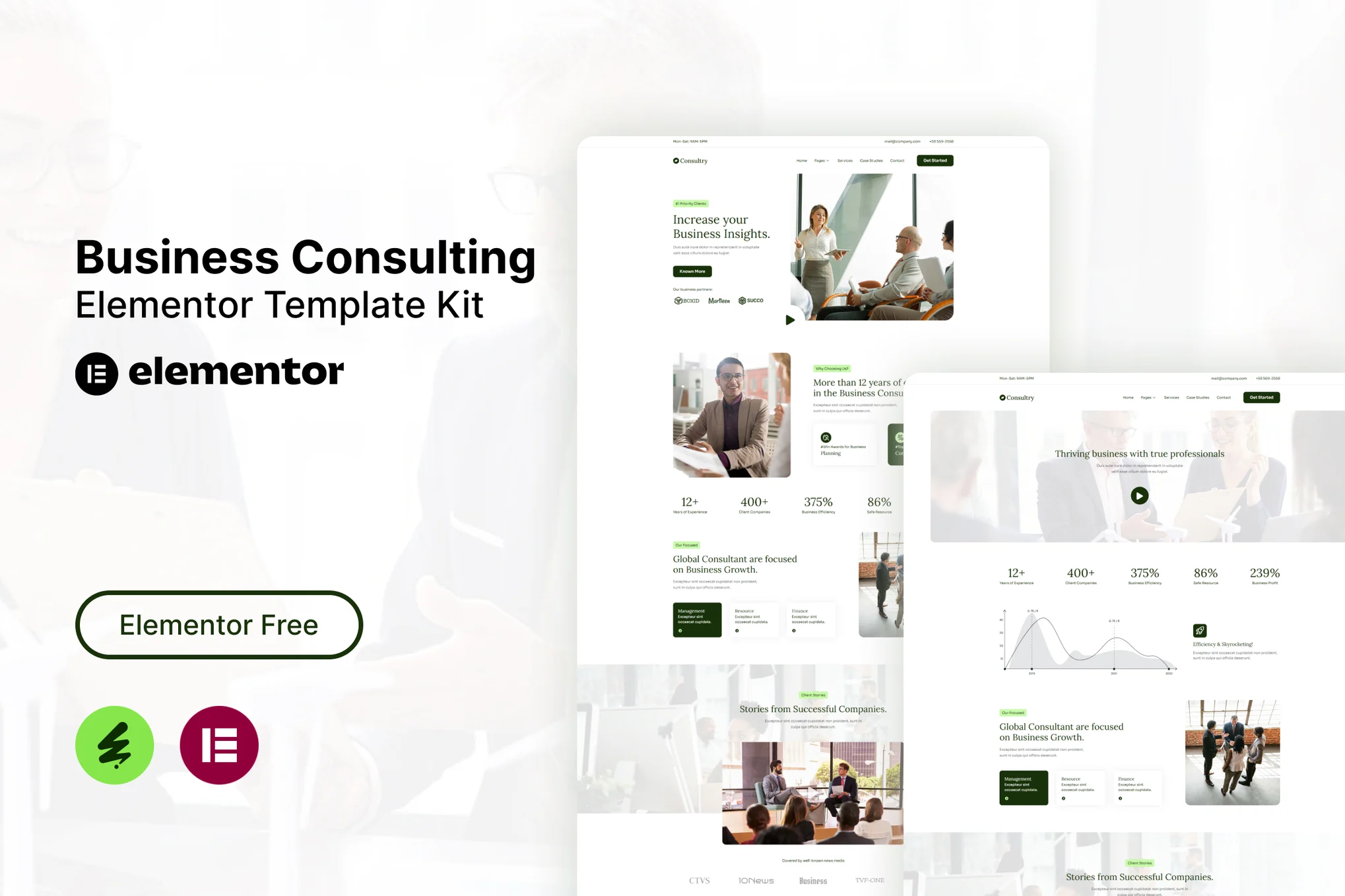
Consultry – Business Consulting Elementor Template Kit. This template kit is a fully responsive, clean and customizable. This template is suitable for use in businesses, such as: Business Agent, Business Consulting, Business Finance, Business Solution, Business Corporate and others.
This is not a WordPress theme. Business Consulting Elementor Template Kit contains page content for Elementor page builder. This kit has been optimized for use with the free Hello Elementor theme but may be used with most themes that support Elementor.
Business Consulting Elementor Template Kit Kit Features:
- Using Free Plugins (Elementor Pro is not required)
- Modern & Clean Design
- Responsive Layout
- Customizable
- No Coding Required
Ready Templates:
- Header
- Footer
- Contact Form
- Newsletter Form
- Home
- About
- Services
- Team
- Pricing
- Contact
- 404 Page
- Case Studies
- Single Case Sutdy
Required Plugins:
- Elementor
- ElementsKit Lite
- MetForm
- Sticky Header Effects for Elementor
How to use Kit:
- Install and Activate the “Envato Elements” plugin from Plugins > Add New in WordPress.
- Do not unzip.
- Go to Elements > Installed Kits and click the Upload Business Consulting Elementor Template Kit button.
- Before importing a template, ensure the Install Requirements button is clicked to activate required plugins.
- For best results, do not import more than one template at a time.
How to use Metform:
- Import metform template.
- Import the template where the form appears, then edit in Elementor.
- Click the Metform widget in the column where the form should be and click Edit Form.
- Select New, leave blank selected then click Edit Form button.
- Click ‘Add Template’ grey folder button.
- Click ‘My Templates’ tab.
- Choose your imported metform template, then click ‘Insert’.
- Once the template is loaded, click ‘Update’.
For further support, go to Elementor > Get Help in WordPress menu.
Images This Business Consulting Elementor Template Kit uses demo images from Envato Elements. You will need to license these images from Envato Elements to use them on your website, or you can substitute them with your own.
- https://elements.envato.com/collections/FHRTL3NDBX